Guide on how to use the Virtual Trainer:
The following page will help you in understanding how to use the Virtual Trainer webapp. What should you do and How should you do be doing it.
The following guide will help you with all of that so just follow along..
Follow the below steps and proceed with the button in the end.
Step 1: Click on Start Button
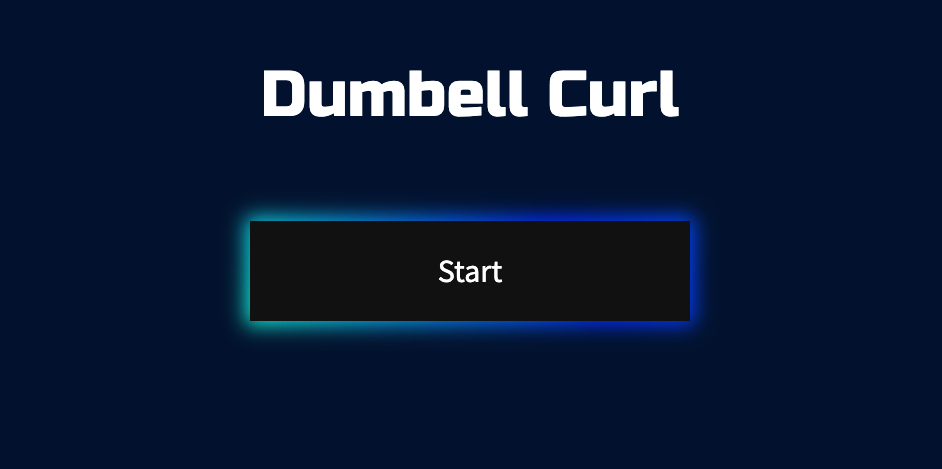
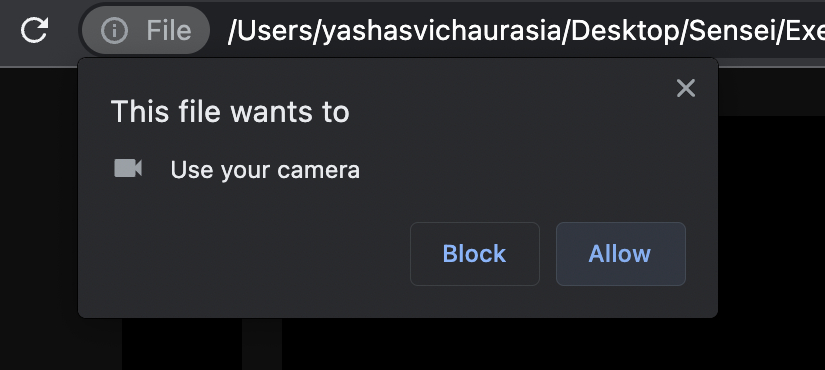
Step 2: Allow Camera Access
Step 3: Wait for the Camera to Start
Initially the webcam might take some time and may look like this so please be patient and let the Screen show up
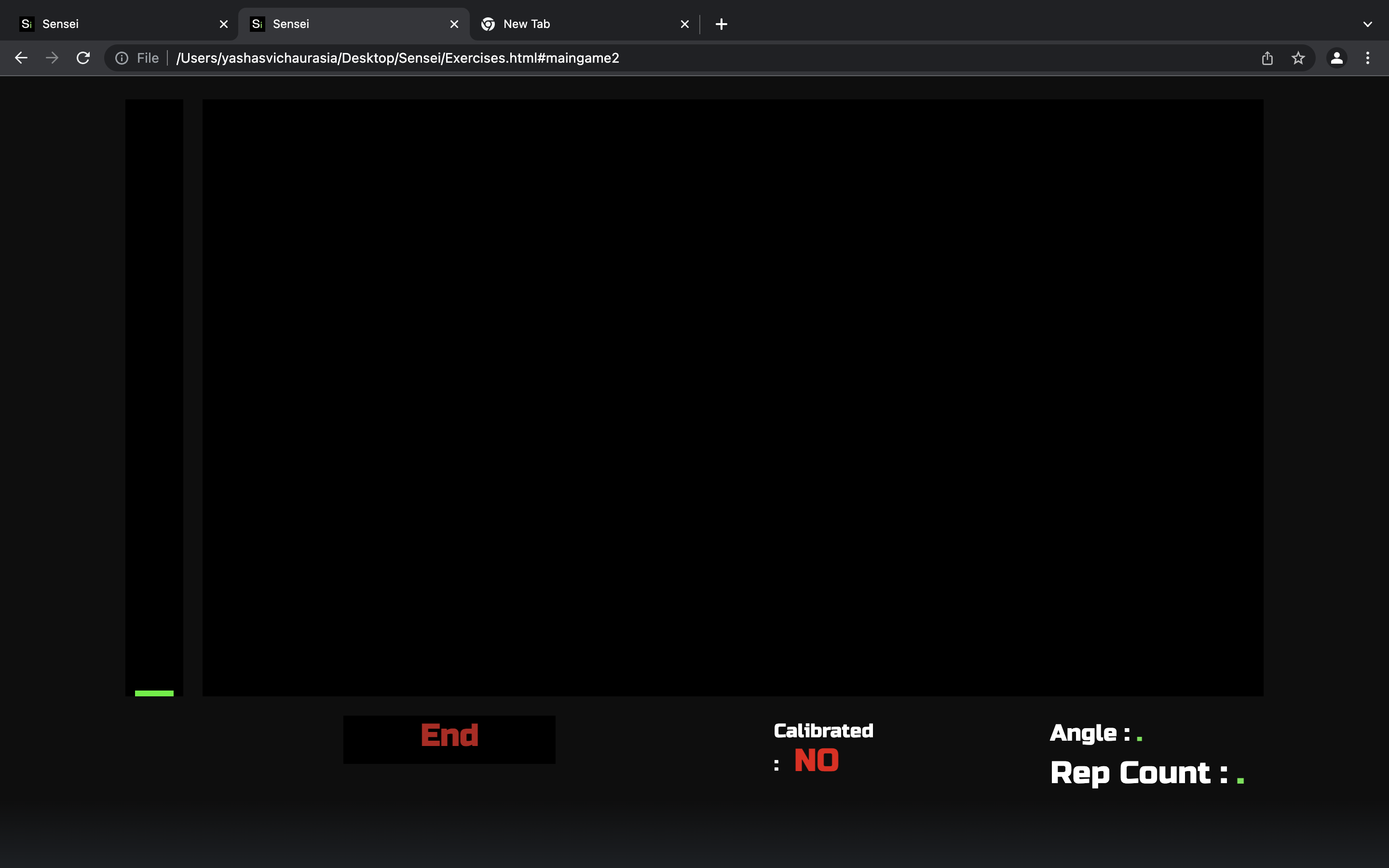
But soon the screen load with time:
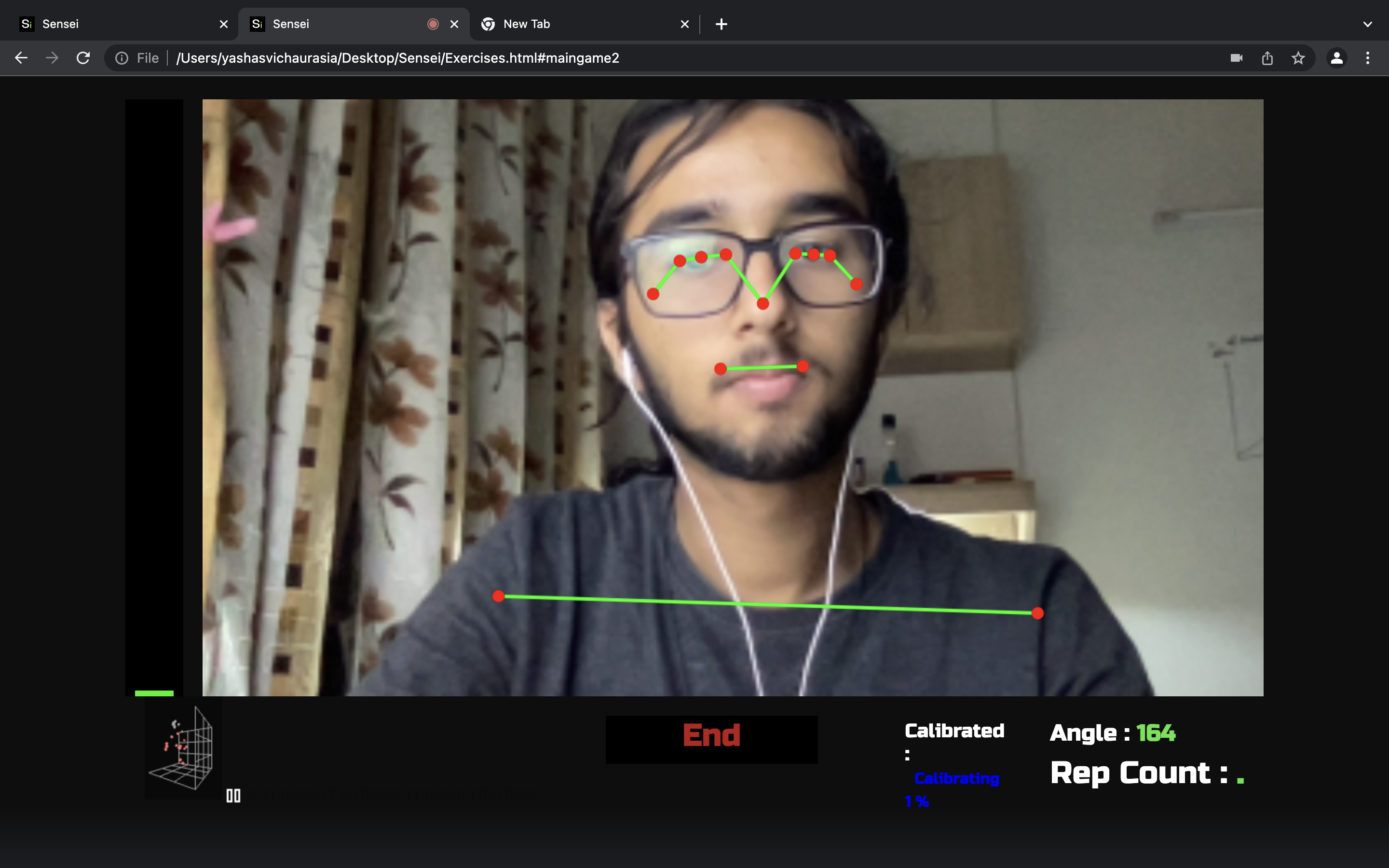
Step 4: Calibration phase:
The web app will now require you to stand with your right arm held straight in front of the camera to successfully calibrate the
virtual trainer
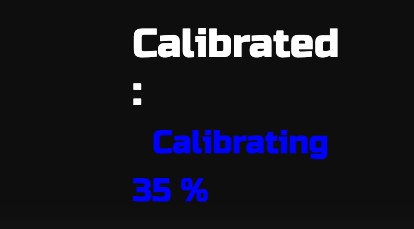
The webapp will show calibration progress in the bottom with blue text.
Once the Calibration is complete you will hear a audio output marking completion.
Now you can use the trainer.

During Calibration:
Step 5: Basic Instruction
1. Reps will be counted if straighten your Right Arm and then curl it
2. Keep your elbows close to your waist to avoid error
3. An auditory feedback will remind you of errors during session
Step 6: Getting Feedback
Click on the End button to end session and to view Visual Data Analysis
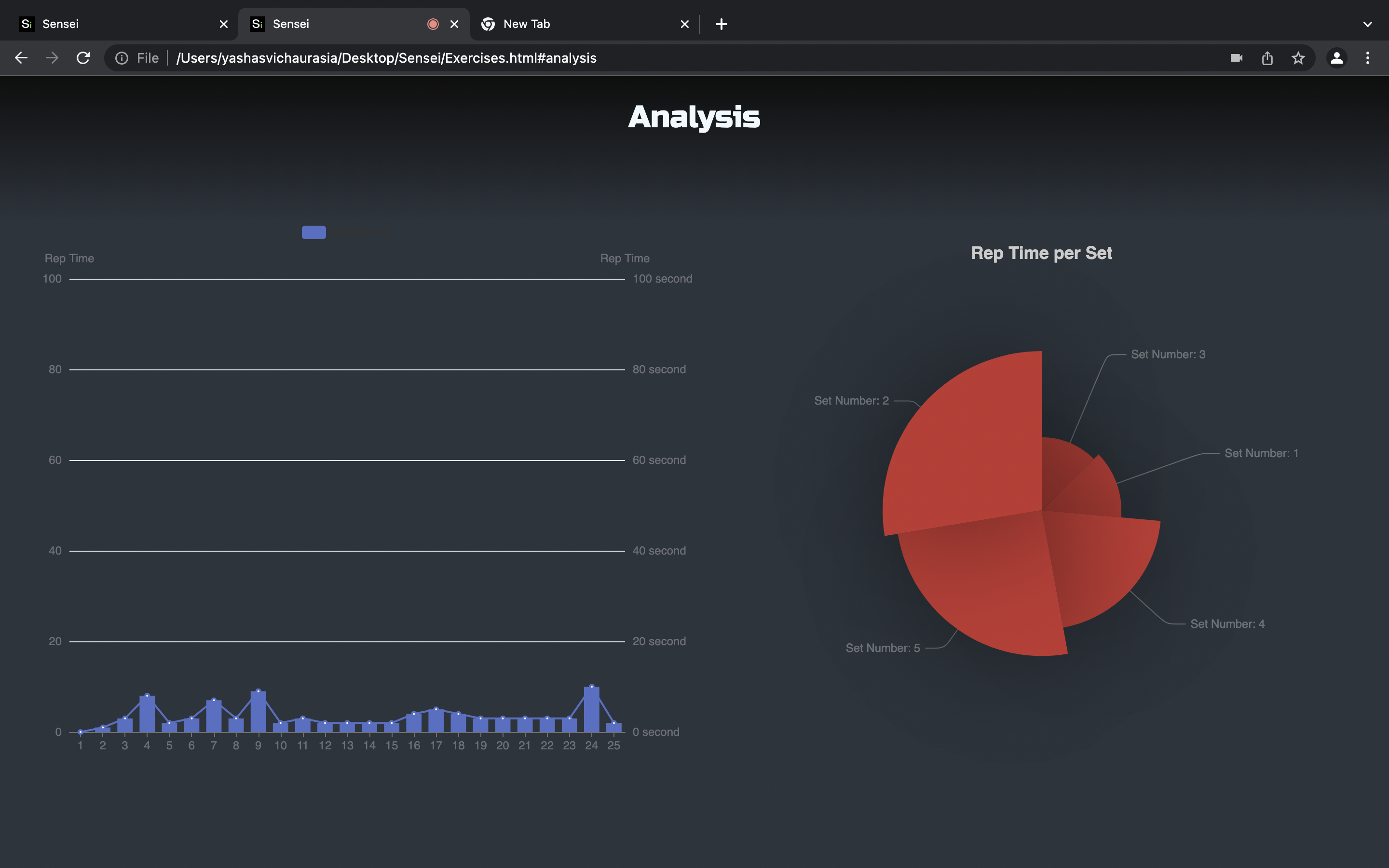
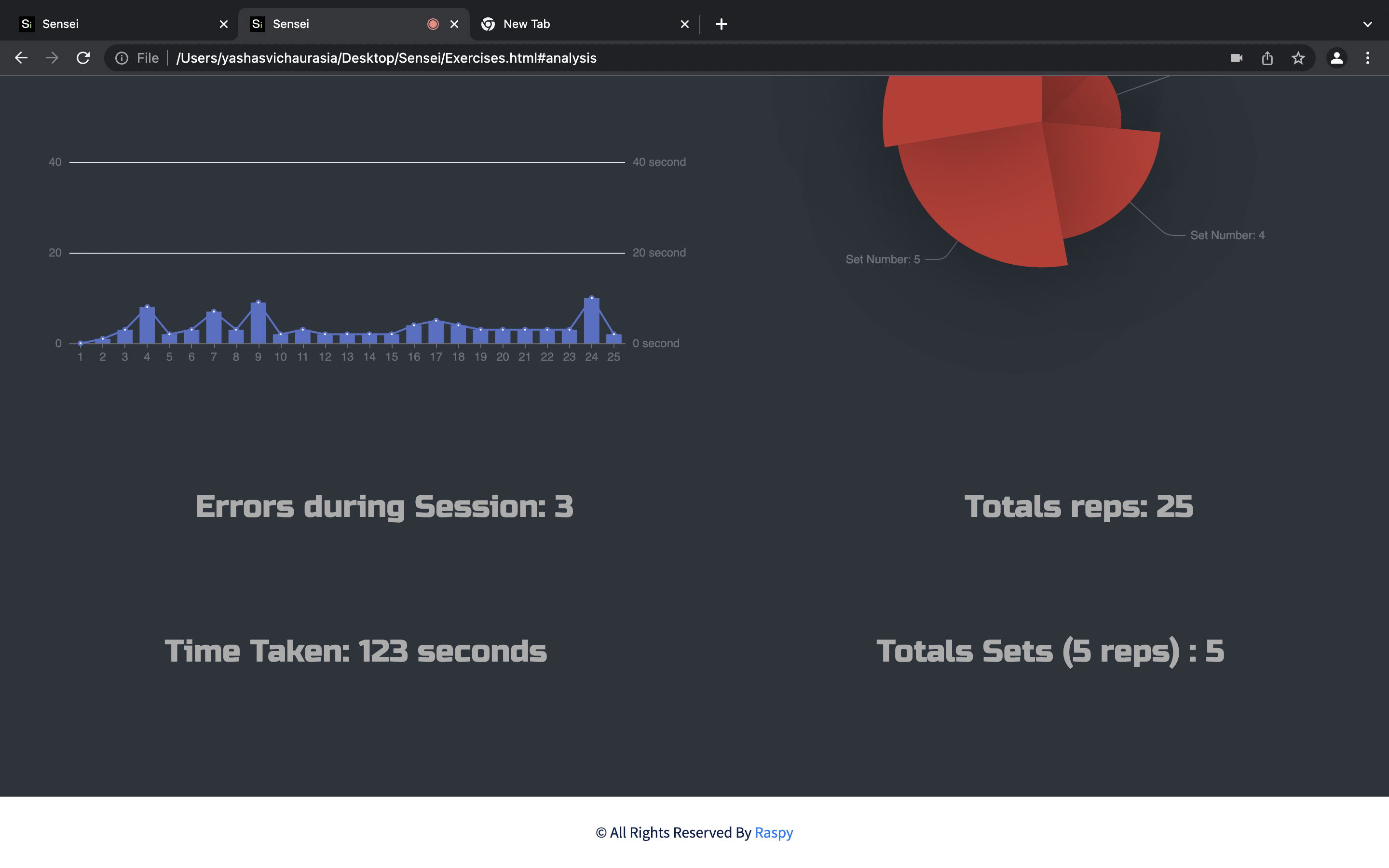
And Then the Awesome Visual Analysis :
The Rose graphs shows only if a minimum of 5 reps are completed